Here is how to do it
-
Go to Batches and select the batch you want to add a manual measurement to
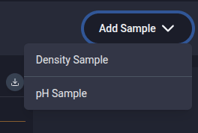
Web App: In the top right corner of the batch details page click "Add Sample" and select either "Density Sample" or "pH Sample" from the dropdown menu.
Mobile app: Below the batch charts select "Add Sample" and select either "Density" or "pH" in pop-up that appears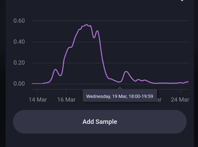
-
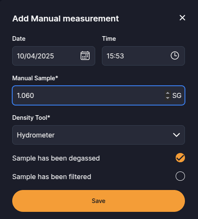
Fill in the form that appears and click "Save"
How to edit manual measurements
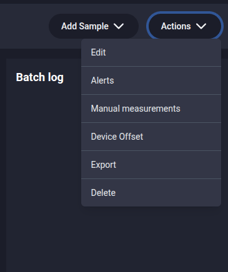
- Web app: Click the "Actions" button in the top right corner and select "Manual Measurements" in the drop down
Mobile App: Click the three dots in the top right corner and select "Manual Measurements" in the drop down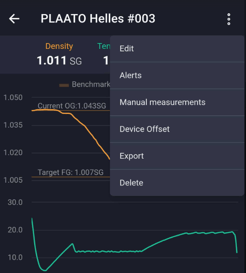
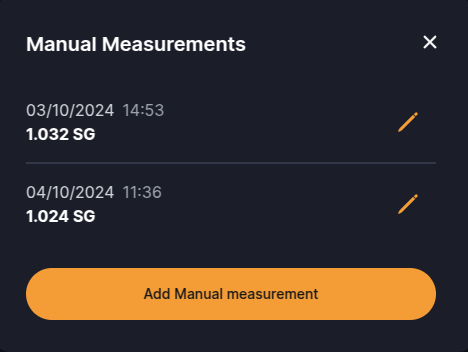
- Click the pencil icon on the measurement you want to edit: